The Security Gap 49% of Firms Face Today
Ask firm leaders if they can control who accesses sensitive client data, and an overwhelming majority will say yes. But dig a little deeper, and a troubling gap in firm security infrastructure will emerge.
While 84% of firms report having the ability to grant or restrict immediate user access, only 51% have implemented single sign-on (SSO) to protect access across their applications. Having access controls without SSO is like building a fence around your property but leaving the gate wide open. You’ve defined the boundaries but haven’t secured the entry point.
This post explains how SSO and role‑based permissions go hand in hand to close that gap—and why you need both to truly protect your firm.
Table of Contents
- Why Level of Access Matters
- What Is Single Sign‑On (SSO)?
- What Are Role‑Based Permissions?
- How SSO and Role‑Based Access Work Together
- 5 Steps to Implement Better Access Controls
- Closing the Security Gap: From Access Control to Access Management
Why Level of Access Matters
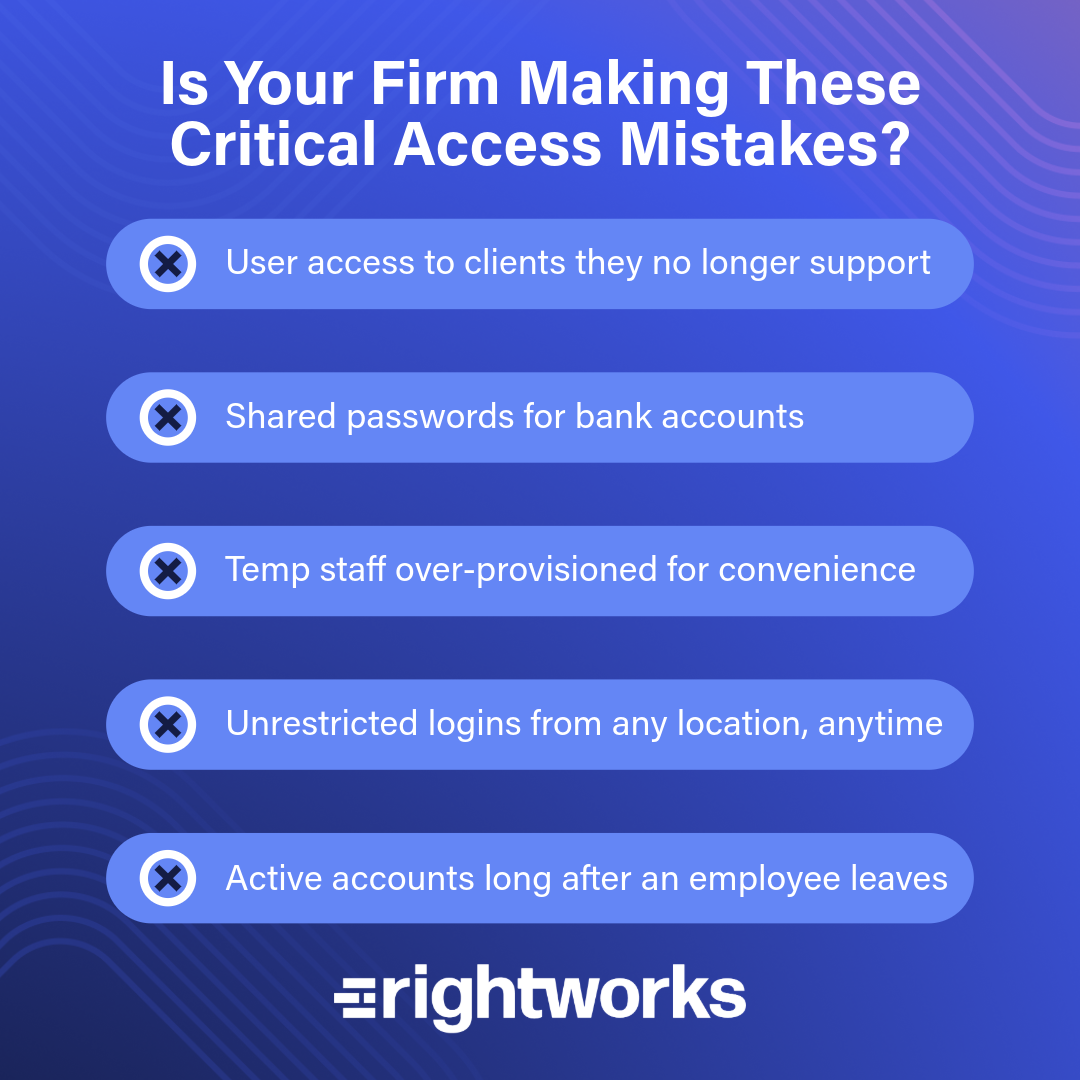
Even firms that have moved to cloud applications still face major security threats. Most breaches today don’t come from hackers breaking through firewalls—they come from overly broad access, and this takes many forms. Former employees may still have active accounts, shared passwords start to circulate across teams, or seasonal staff get unrestricted access, just to get started.
For firms, this creates risk on multiple fronts, including client data exposure, regulatory noncompliance, financial fraud, and reputational damage. Strong identity and access controls eliminate these problems before they start.
What Is Single Sign‑On (SSO)?
Single sign‑on allows users to log in once and securely access all the applications and data they’re authorized to use—eliminating password spreadsheets, shared credentials, and multiple logins. Firms rely on SSO because it simplifies security across the board. Staff only need one set of secure credentials protected by multifactor authentication (MFA) at every step, password sharing becomes unnecessary, and onboarding and offboarding become dramatically simpler. Users can work securely from any location without compromising protection.
A preparer logs into one single platform using SSO. From there, they access all approved tax and accounting apps—without ever seeing client bank credentials or firm passwords.
What Are Role‑Based Permissions?
Role‑based access control ensures that each employee, contractor, or outsourced team member can access only the data and tools needed for their role. Nothing less, nothing more.
This principle is critical for modern accounting firms. It protects sensitive taxpayer and financial information, prevents accidental access to high‑value client files, and limits damage if credentials are compromised. Beyond security, role-based access supports compliance requirements like IRS Pub. 4557, GLBA, and HIPAA while creating audit‑ready trails of who accessed what and when.
A staff member sees the client contact info but not their bank accounts. A seasonal preparer gets access only to assigned clients—and only for tax season. Offshore contractors have time-bound access that expires at the end of the shift. Auditors receive read-only access limited to specific files.

How SSO and Role‑Based Access Work Together
Think of identity management as having two parts that work in tandem.
PART 1: Authentication handled by SSO
SSO verifies the user by asking, “Are you really who you say you are?” through MFA, IP restrictions, and device validation.
PART 2: Authorization controlled by role-based permissions
Role-based permissions determine what users can access by asking, “What are you actually allowed to see?” Permissions should be developed for everything from client files and tax apps to bank portals and internal documents. Together, these layers ensure the right user is logging in at the right time, from the right place, with the right level of access. This combination dramatically reduces the risk of breaches caused by over-access or user error.
5 Steps to Implement Better Access Controls
A full identity management strategy doesn’t have to be overwhelming. These steps help firms make immediate progress:
- Start with your WISP.
Your Written Information Security Program should define access policies, role definitions, temporary access procedures, and offboarding workflows. It’s the foundation of compliance and consistency. - Define your firm’s roles.
Examples include junior/senior accountant, tax preparer, auditor, client manager, seasonal staff, and offshore staff. Each role should map to specific access level. - Enforce least privileged access.
Use tools that support MFA, time-bound access, credential masking, privileged access management, location-based restrictions, and automated provisioning and deprovisioning. - Review access regularly.
Quarterly audits prevent privilege creep, dormant accounts, and outdated permissions. - Train your staff.
Everyone must understand their role in protecting data, why access is limited, how to request changes, and how to follow the WISP.
Closing the Security Gap: From Access Control to Access Management
Access controls only work when they can be consistently and practically enforced. Without SSO, even firms with strong policies struggle with password sharing, credential sprawl, and the administrative burden of managing access across dozens of applications.
SSO and role-based permissions work together to create this efficiency. Verifying identity is easier, allowing you to onboard staff, support remote work, and maintain regulatory compliance, which causes most breaches. It also makes it dramatically easier to onboard staff, support remote work, and maintain regulatory compliance.
Whether you manage IT in-house, outsource completely, or use a hybrid approach, the path forward is clear: implement SSO to secure the entry point, define roles to control access, and audit regularly to prevent drift. The firms leading in technology adoption aren’t just working faster; they’re working more securely with systems that protect client trust while enabling growth.